image::embed:SystemLandscape[System Landscape Diagram]AsciiDoc features 📌
This page showcases the ability to use AsciiDoc formating features in workspace documentation files. The full list of AsciiDoc features is documented in the Asciidoctor Syntax Reference.
Table of Contents
Embedding diagrams
Diagrams can be embedded using the embed: syntax:
Example: Embedded diagram
Embedding static images
Example Embedded picture
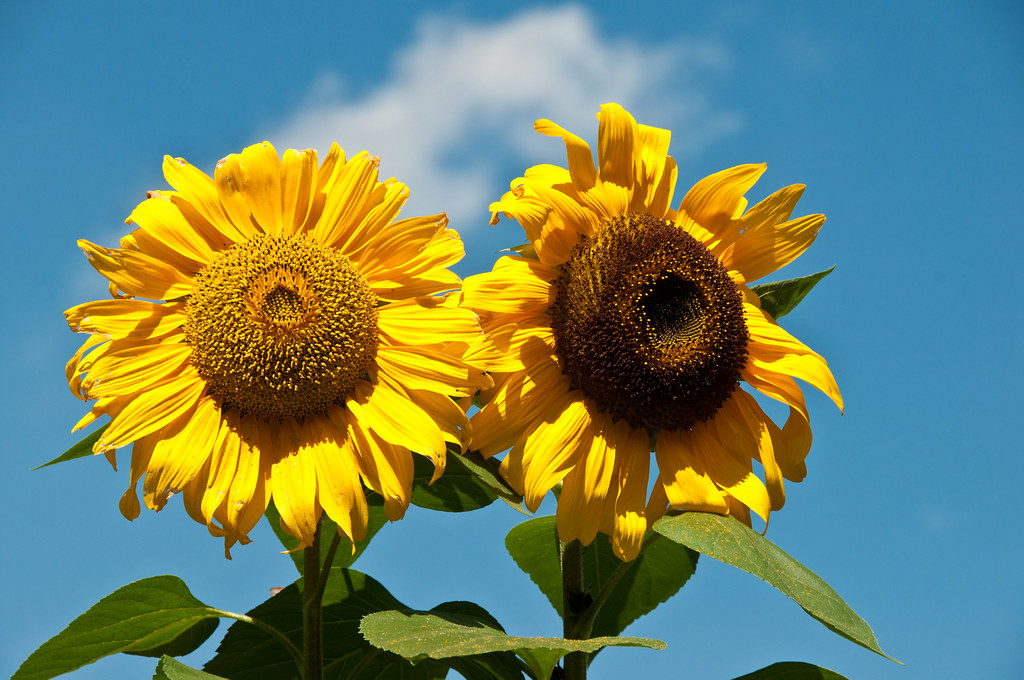
When, for example, you would like to embed a nice picture which is located in the pictures directory under the assets directory, you can do that as follows:
image::/pictures/nice-picture.png[A nice picture]Sun, by Christian Scheja
Embedding PlantUML diagrams
Sequence Diagram Example
[plantuml]
----
@startuml
Foo -> Bar: doSomething()
@enduml
----Class Diagram Example
[plantuml]
----
@startuml
class Foo {
    +property: String
    +foo()
}

class Bar {
    -privateProperty: String
    +bar()
}

Foo ..> Bar: Uses
@enduml
----Embedding mermaid diagrams
Flowchart Diagram Example
[source, mermaid]
----
graph TD;
A-->B;
A-->C;
B-->D;
C-->D;
----
graph TD;
A-->B;
A-->C;
B-->D;
C-->D;Sequence Diagram Example
[source, mermaid]
----
sequenceDiagram
    participant Alice
    participant Bob
    Alice->>John: Hello John, how are you?
    loop Healthcheck
        John->>John: Fight against hypochondria
    end
    Note right of John: Rational thoughts <br/>prevail!
    John-->>Alice: Great!
    John->>Bob: How about you?
    Bob-->>John: Jolly good!
----
sequenceDiagram
participant Alice
participant Bob
Alice->>John: Hello John, how are you?
loop Healthcheck
John->>John: Fight against hypochondria
end
Note right of John: Rational thoughts <br/>prevail!
John-->>Alice: Great!
John->>Bob: How about you?
Bob-->>John: Jolly good!Tables
|===
|Column 1, Header Row |Column 2, Header Row

|Cell in column 1, row 1
|Cell in column 2, row 1

|Cell in column 1, row 2
|Cell in column 2, row 2
|===
This will be rendered as
| Column 1, Header Row | Column 2, Header Row |
|---|---|
|
Cell in column 1, row 1 |
Cell in column 2, row 1 |
|
Cell in column 1, row 2 |
Cell in column 2, row 2 |
Admonition Blocks
Admonitions create block-styled side content.
|
Note
|
This is a note. |
|
💡Tip
|
Info
Go to this URL to learn more about it:
|
|
Important
|
One more thing. Happy documenting! |
Block quotes
Quote or excerpt text
— attribution
citation title and information
citation title and information
Checklist
* [*] checked
* [x] also checked
* [ ] not checked
* normal list item
will be rendered as:
-
✓ checked
-
✓ also checked
-
❏ not checked
-
normal list item